How-To Guides
Everything Skipper can do, explained the way you would explain it to a teammate. Start anywhere. Each guide stands on its own.
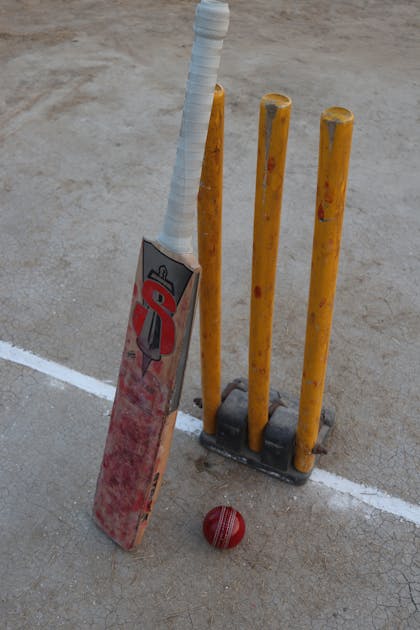 DRS Cam
How to Use DRS Cam
Park a second phone behind the stumps, mark them once, and every ball you score is clipped for the umpire. Setup, stump marking, auto and manual capture, and reviewing the last ball.
 Streaming
How to Make a Highlights Video
Stream from Skipper, watch the wickets, fours and sixes clip themselves, pick the ones you want, and share one video as a link. Who can make one, in four steps.
 Money
MoneyGetting Paid on Skipper
What happens after someone pays you: adding your bank account, following a payout from collected to in your bank, the 5% fee in rupees, and how refunds work for auctions and academies.
ChatChat and Messages on Skipper
Message any player directly, reach a tournament or auction organiser, work your academy's enquiries inbox, and get help from the Skipper team. Plus the rules that keep it civil.
TournamentsHow to Run a Player Auction
An IPL-style auction night for your tournament. Purses and sets, self-registration, live bidding with anti-snipe, a bid cap that keeps every squad legal, the big screen, and the final CSV.
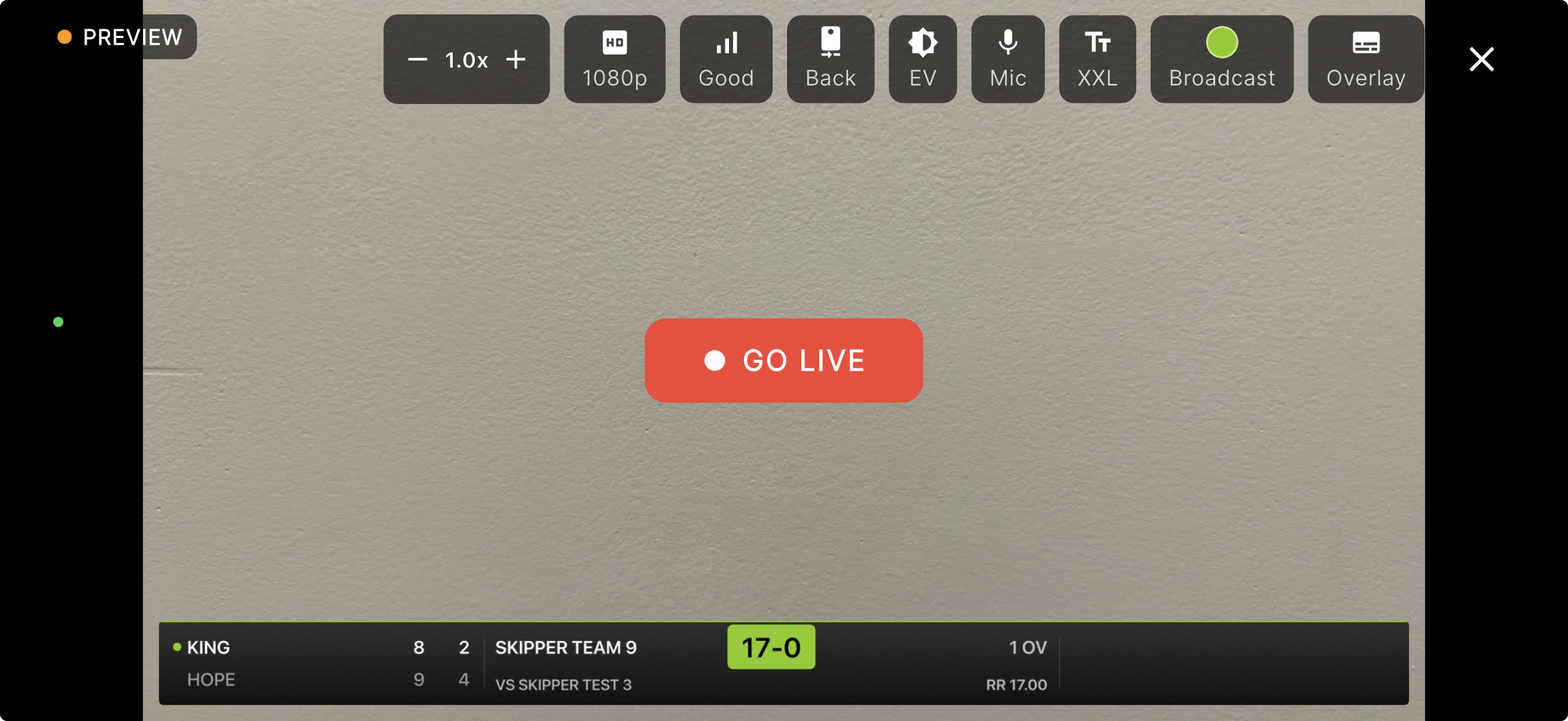 Streaming
Stream Health and Remote Camera Controls
How much of your stream is really reaching YouTube, an alert the moment it stalls, and the mic, zoom, exposure and overlay of the tripod phone, all from where you are sitting.
 Academy
Your Academy's Public Page
The page strangers see. About, facilities, programs, achievements, gallery and coaches, the cover image trap, how coaches opt in for themselves, and working the enquiries that come back.
AcademyHow to Run Your Cricket Academy on Skipper
Step by step: create your academy, set up batches and schedules, enroll students, run the store and 1:1 bookings, post announcements, link your teams, send fee reminders, and get found.
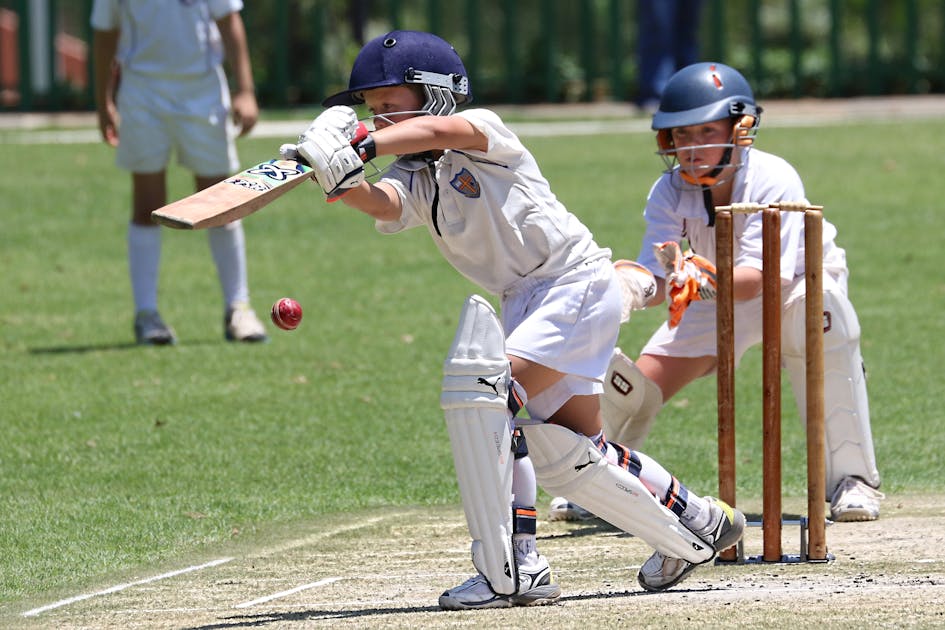 Academy
Your Child's Academy, on Your Phone
For parents and students. See the week's sessions and attendance, catch every announcement, book 1:1 coaching, order from the store, and keep every fee receipt.
 Analysis
How to Read a Player's Analysis
The Analysis tab turns a whole career into patterns. Batting and bowling phase by phase, shots and pitch maps, matchups against pace and spin, and how enrichments make it deeper.
 Insights
AI Match Reports and Player Insights
Skipper writes your match a report. A preview before the toss, a full write-up after the result, and a per-player breakdown with an MVP score for everyone who batted or bowled.
 Grounds
How to Book a Ground
Find a ground, see which slots are open, and send a booking request the owner confirms or declines. Plus how to run your own venue's calendar from the app.
 Appearance
Light, Dark, and App Themes
Skipper now comes in light and dark, with a set of named backdrops. How to change your theme, and why light for the sun and dark for the night game.
 Leaderboards
Leaderboards and Player of the Month
Boards for batters, bowlers, keepers, and teams, refreshed weekly and monthly and zoomed right down to your district. How they are earned, how to vote for Player of the Month, and how to share a poster.
DiscoverFind Anything with Search
One box across all of Skipper. Find players, teams, matches, tournaments, and grounds in a couple of taps, filter by type, and jump straight to what you were after.
StatsBring Your Stats from Another App
Years of cricket on another app? Import your batting, bowling, and fielding record from a screenshot, sorted by leather, tennis, and box, and bring your team's record across too.
TournamentsHow to Organize a Tournament
From the create wizard to the points table. Pick a format, add teams, auto-generate the schedule, and let standings and qualification scenarios update themselves.
 Scoring
Every Scoring Option, Explained
Runs, extras, every way to get out, free hits, retirements, and undo. What each button on the scoring screen does, in plain cricket language.
ScorecardHow to Read and Share the Live Scorecard
What every part of the live scorecard means, from the chase line and DLS par to the full batting and bowling cards, plus how to follow and share a match.
ScoringScoring Enrichments: Turn Balls into Insight
Pitch map, shot type, ball type, and field zone. What each captures, how to make them optional or required, and how they power a player's analysis.
ScoringMade a Mistake? How to Edit a Scorecard
Undo a ball, jump back, or correct a completed over. Who can edit, the post-match window, and how anyone can verify exactly what changed.
StreamingHow to Stream a Match Live
Go live on YouTube with a broadcast scoreboard overlay. Who can stream, how to request Skipper channel access, and how to use your own account.
TeamsOrganize Your Teams the Right Way
Build a team once and reuse it forever. Add players by search, contacts, QR, or as guests, assign roles, and track your squad's stats.
ProfileSet Up and Maintain Your Profile
Your cricketing identity. Set your role, batting and bowling style, photo, and privacy, and watch your career stats build up.